> ## Documentation Index
> Fetch the complete documentation index at: https://docs.youware.com/llms.txt
> Use this file to discover all available pages before exploring further.
# YouWare Mobile
> Create and manage projects on your phone. Build, edit, and publish directly from the YouWare mobile app on iOS or Android.
Build complete projects on your phone. Create, edit, and manage your work with the full YouWare experience.
## Download the App
Search **"YouWare"** in the App Store
 Search **"YouWare"** in Google Play
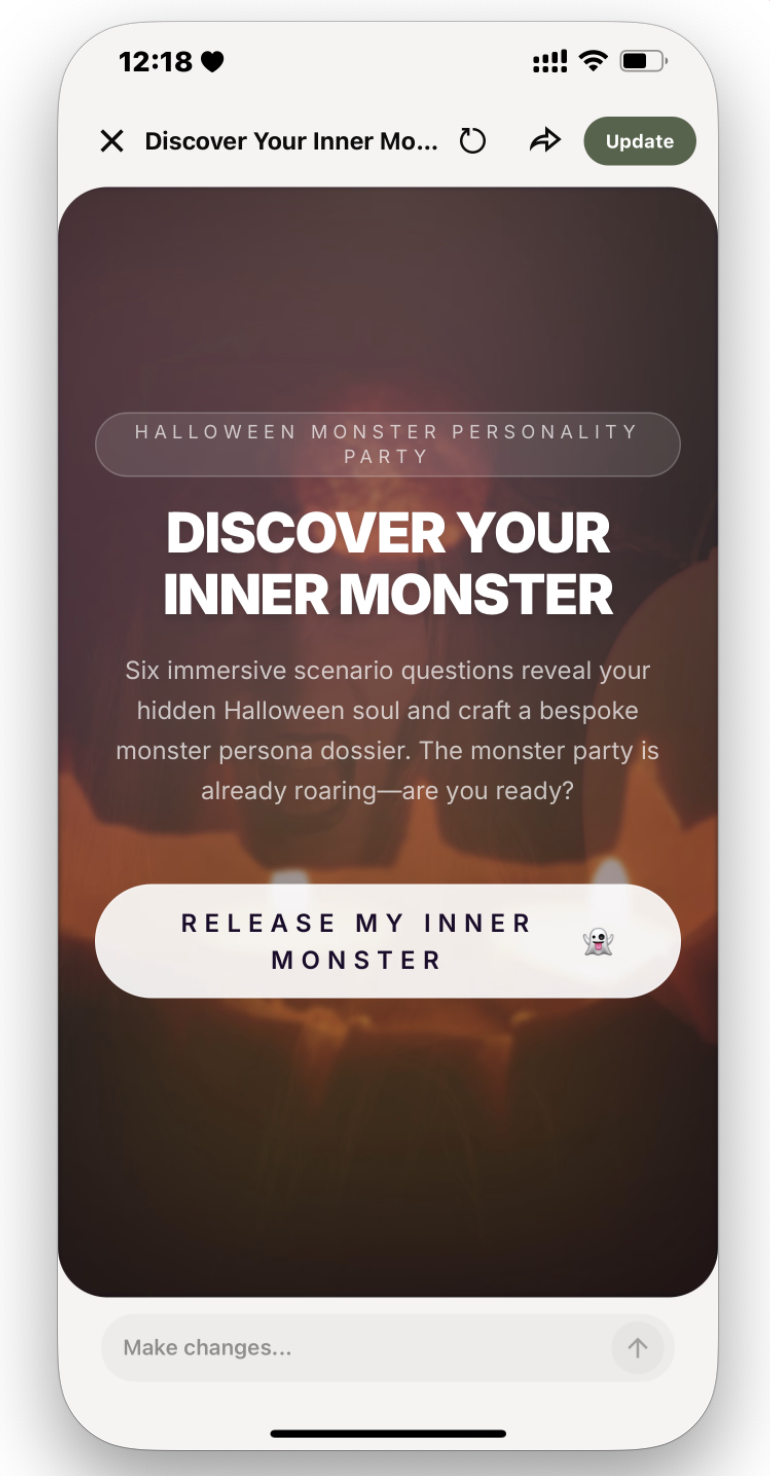
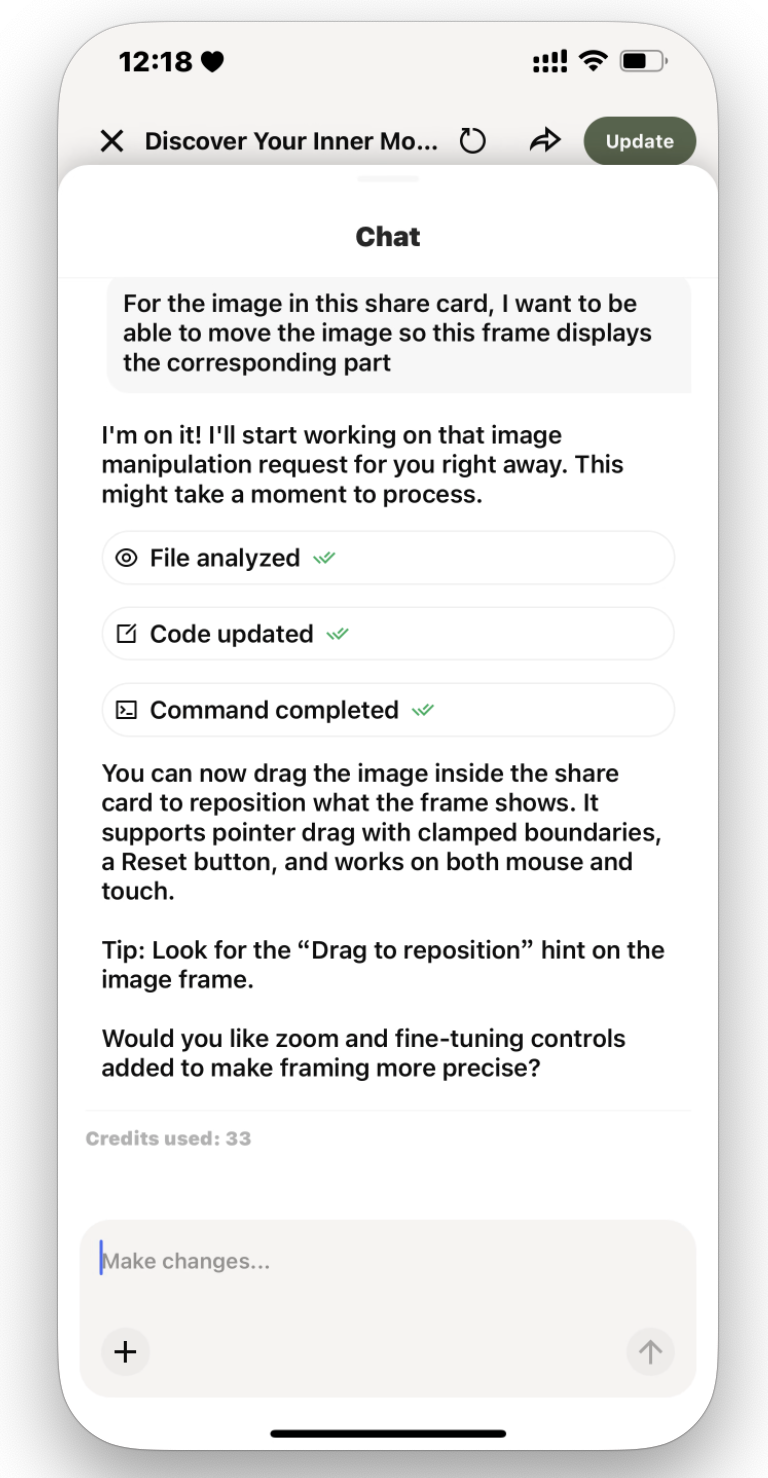
 ## App Screenshots
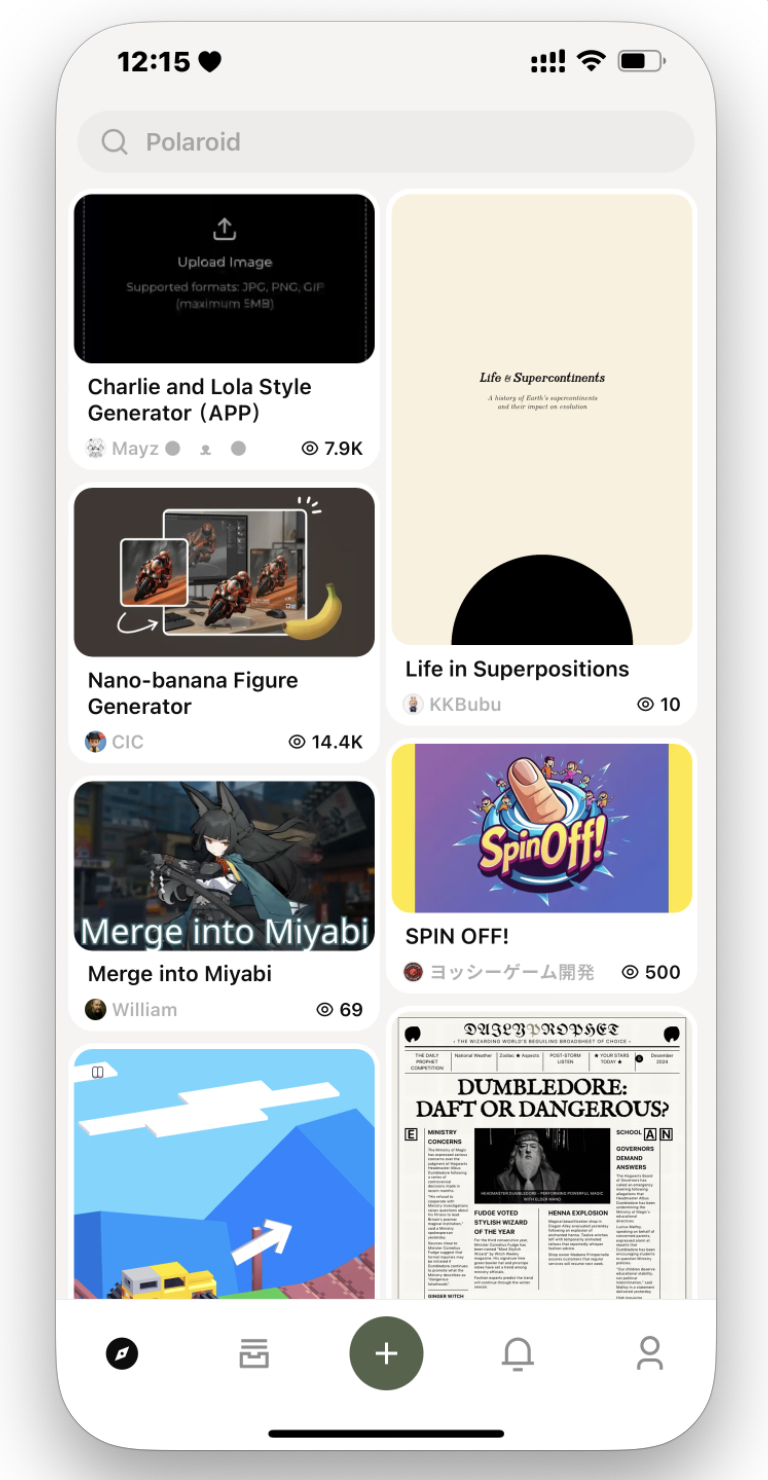
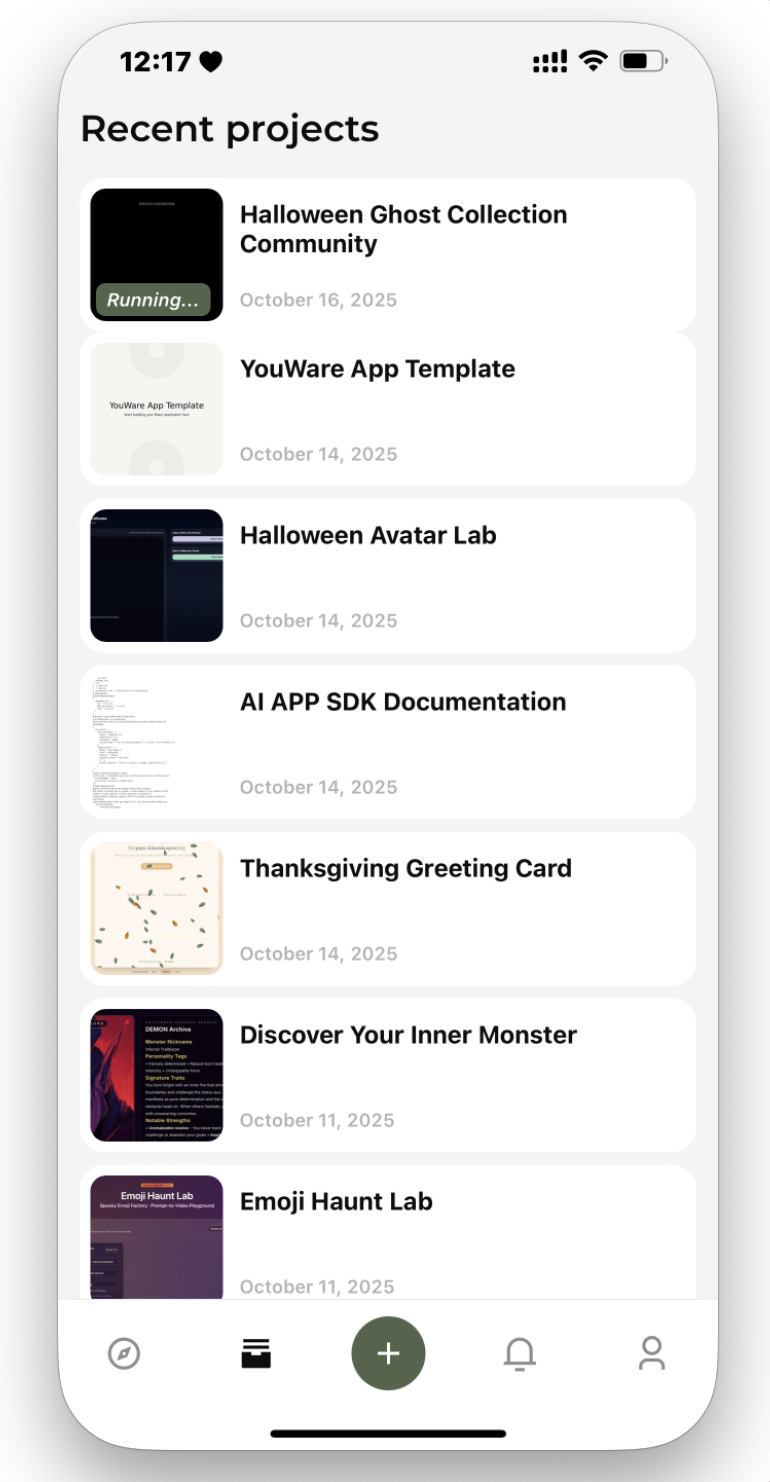 ## What You Can Do
Start new projects directly on your phone using voice or text prompts
Modify your projects with chat, visual editing, or code view
Get updates when AI tasks complete, even while using other apps
Start on phone, continue on desktop. All data syncs in real-time
**Push Notifications Advantage**: Tasks run in the background while you do other things. Get notified instantly when they're done—no need to keep checking the app. Perfect for quick iterations while on the go.
## Mobile Features
### Voice Input
Describe your project idea using your voice. The AI builds it immediately. No typing required.
### Photo Integration
Snap a photo or upload an image. The AI can use it as a reference for your project.
### Task Notifications
Get notified when background tasks complete. Check your Recent Tasks tab to see what's done and what needs attention.
### iOS Improvements (Latest Update)
* **Better Notifications**: Recent Tasks now shows clearer status for ongoing and completed projects
* **Faster Search**: Upgraded search for quicker project discovery with better accuracy
* **Reliable Notifications**: Push notifications deliver more consistently across your devices
### Cross-Device Workflow
Start a project on your phone and continue on your desktop. When desktop tasks finish, your phone gets notified automatically. All changes sync in real-time.
## Frequently Asked Questions
Most important features work on mobile: create projects, edit code, visual editing, and publish. Some advanced features are desktop-only due to screen size, but everyday work flows smoothly on phone.
Yes. Projects save automatically as you make changes. All data syncs to your account and other devices in real-time.
Yes. Go to app settings and toggle push notifications on or off. You can control notifications per project if you prefer.
Yes. You can browse and edit code directly in the mobile app, with the same syntax highlighting as desktop.
Yes. Your credit balance is shared across all devices. Credit usage is the same whether you generate on mobile or desktop.
The app works on any modern smartphone. For best experience, use a phone with a 5-inch or larger screen.
Yes. You can remix any public project directly from the mobile app and modify it with text prompts.
No. YouWare Mobile requires internet connection to create and edit projects. Data syncs when connection is available.
## What You Can Do
Start new projects directly on your phone using voice or text prompts
Modify your projects with chat, visual editing, or code view
Get updates when AI tasks complete, even while using other apps
Start on phone, continue on desktop. All data syncs in real-time
**Push Notifications Advantage**: Tasks run in the background while you do other things. Get notified instantly when they're done—no need to keep checking the app. Perfect for quick iterations while on the go.
## Mobile Features
### Voice Input
Describe your project idea using your voice. The AI builds it immediately. No typing required.
### Photo Integration
Snap a photo or upload an image. The AI can use it as a reference for your project.
### Task Notifications
Get notified when background tasks complete. Check your Recent Tasks tab to see what's done and what needs attention.
### iOS Improvements (Latest Update)
* **Better Notifications**: Recent Tasks now shows clearer status for ongoing and completed projects
* **Faster Search**: Upgraded search for quicker project discovery with better accuracy
* **Reliable Notifications**: Push notifications deliver more consistently across your devices
### Cross-Device Workflow
Start a project on your phone and continue on your desktop. When desktop tasks finish, your phone gets notified automatically. All changes sync in real-time.
## Frequently Asked Questions
Most important features work on mobile: create projects, edit code, visual editing, and publish. Some advanced features are desktop-only due to screen size, but everyday work flows smoothly on phone.
Yes. Projects save automatically as you make changes. All data syncs to your account and other devices in real-time.
Yes. Go to app settings and toggle push notifications on or off. You can control notifications per project if you prefer.
Yes. You can browse and edit code directly in the mobile app, with the same syntax highlighting as desktop.
Yes. Your credit balance is shared across all devices. Credit usage is the same whether you generate on mobile or desktop.
The app works on any modern smartphone. For best experience, use a phone with a 5-inch or larger screen.
Yes. You can remix any public project directly from the mobile app and modify it with text prompts.
No. YouWare Mobile requires internet connection to create and edit projects. Data syncs when connection is available.