> ## Documentation Index
> Fetch the complete documentation index at: https://docs.youware.com/llms.txt
> Use this file to discover all available pages before exploring further.
# Google Maps Connection
> Pull live location data, reviews, and map embeds straight into your YouWare projects. Build discovery pages, local directories, and trip planners in minutes.
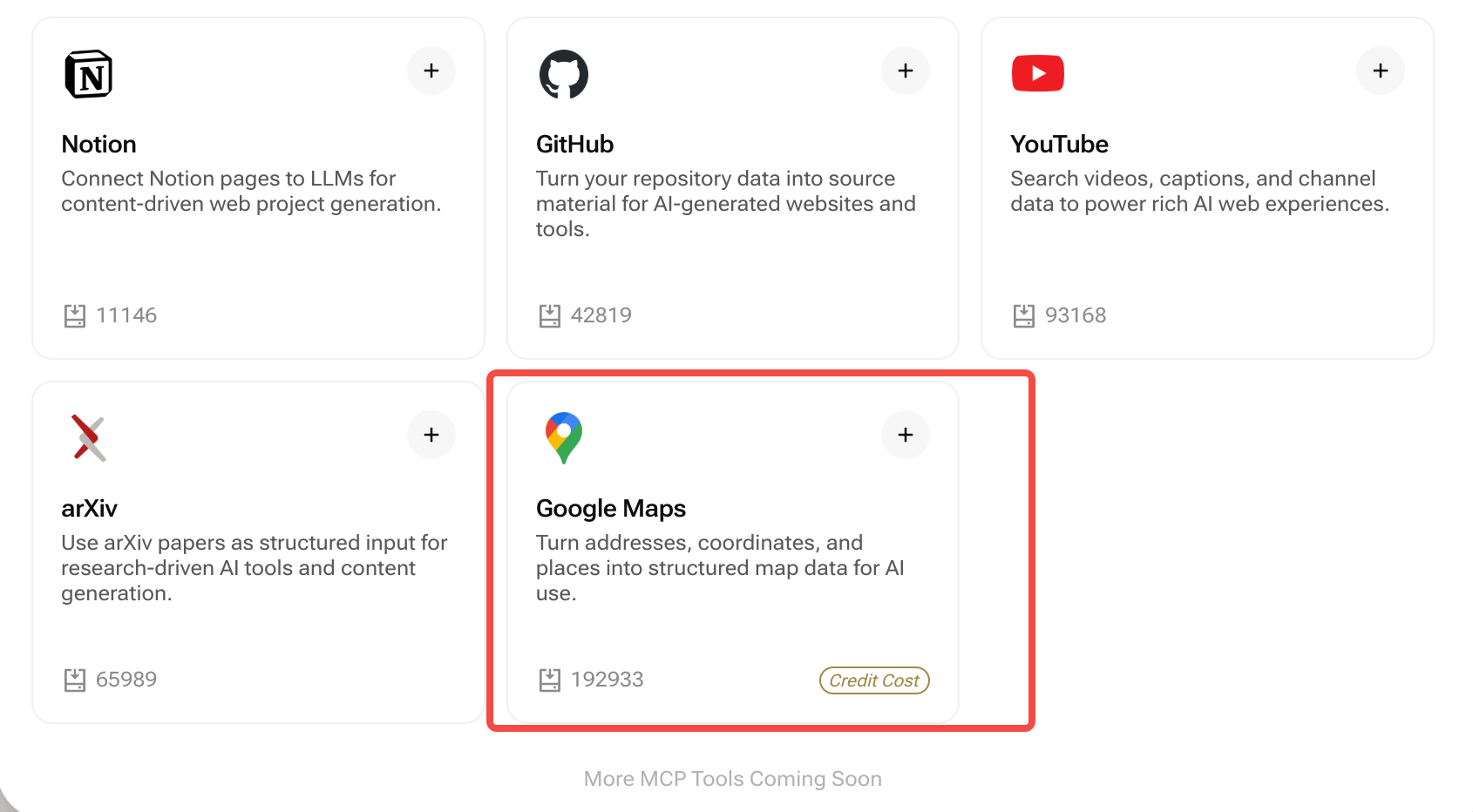 **Turn real-world places into rich digital experiences.** Once the Google Maps connection is enabled, YouWare can reference business profiles, ratings, photos, and coordinates directly in your prompts—no API key configuration required.
## Quick Summary
* **Purpose:** Generate map-first pages, local guides, and location dashboards using live Google Maps data
* **Pulls:** Names, categories, ratings, review counts, open hours, addresses, coordinates, photos, and navigation links
* **Updates:** Data refreshes whenever you regenerate the page or request a manual sync
* **Best for:** Travel guides, store locators, competitor research, real-estate landing pages, city portals
***
## What is the Google Maps Connection?
Mention any place, neighborhood, or coordinates in your prompt—YouWare fetches verified Google Maps data and designs sections around it. Build a “Best coffee in Seattle” directory, surface review highlights for “Mr Beast burger locations”, or embed interactive maps that jump straight to Google navigation.
Curate lists of venues with photos, ratings, and quick filter controls
Pair hero sections with embedded maps, itineraries, and CTA buttons for directions or reservations
Compare nearby businesses, highlight review sentiment, and visualize coverage areas with heatmaps
***
## How It Works
Visit **Connections → Google Maps** and toggle it on. YouWare handles authentication—no Google Cloud setup required.
Reference locations, business names, neighborhoods, or search intent inside your prompt. Example:\
*“Create a research microsite comparing the top-rated coffee shops around Pike Place Market in Seattle.”*
YouWare assembles cards, tables, itinerary timelines, and embedded maps populated with fresh Google Maps data.
Regenerate the page or trigger a manual sync to update hours, ratings, and new locations.
***
## Prompt Example
```text theme={null}
"Create a research microsite for Tokyo Tower visitors that highlights the five best cafes within 1 km,
including their specialties, signature drinks, opening hours, transport options, and a one-click navigation button."
```
***
## Example: Tokyo Tower Cafe Tour
When you run the prompt above, YouWare:
1. Queries Google Maps for cafés within the requested radius, ranked by rating and review volume.
2. Generates rich cards for each café (brand story, must-try drink, hours, contact info, transport notes, and latest review snippets).
3. Embeds a Google Maps component with custom pins plus a “Plan Route” button that launches Google Maps directions from the user’s location.
4. Creates comparison tables (price level, seating, Wi-Fi availability) and suggested itineraries around Tokyo Tower.
This lets you ship an actionable local guide in minutes—perfect for tourism boards, creator newsletters, concierge teams, or sponsored campaigns.
***
## Best Practices
* **Be precise with geography:** Mention city, neighborhood, or radius to keep results relevant
* **Mix narrative + data:** Ask for storytelling sections (“Why visit?”, “Local tips”) alongside map cards
* **Group by intent:** Separate categories like dining, lodging, attractions, or coworking spaces for easier browsing
* **Pair with Backend:** Save user-generated favorites or trip notes in YouWare Backend for personalized experiences
* **Enable route planning:** Ask explicitly for “one-click navigation” to surface Google Maps links or embedded directions
* **Use Street View + photos:** Request hero images or galleries sourced from Google photo data to boost engagement
***
## Frequently Asked Questions
No. Enabling the connection inside YouWare is all it takes. We handle the credentials and quota—nothing else to configure.
Any public location indexed by Google Maps: cafes, attractions, coworking spaces, retail stores, venues, landmarks, and more.
Yes. Mention city names, neighborhoods, postal codes, or distance constraints (e.g., “within 2km of Eiffel Tower”) in your prompt.
Every regeneration fetches the latest info. You can also request a manual refresh from the Connections panel if you expect major changes.
Definitely. Combine with YouWare Backend, Notion, or Supabase connections to enrich location content with internal notes, promotions, or community feedback.
Yes. Ask for one-click navigation, itinerary builders, or step-by-step directions. YouWare will output Google Maps links, embedded routes, or call-to-action buttons based on your prompt.
YouWare abstracts quota management, but extremely high-volume use cases may require additional allowances. Reach out to support for enterprise usage.
***
**Prompt starter:**\
`“Plan a café crawl within 1 km of Tokyo Tower that ranks the top five spots, includes signature drink highlights, user review snippets, transit tips, and embeds a Google Maps route for the walking tour.”`
**Turn real-world places into rich digital experiences.** Once the Google Maps connection is enabled, YouWare can reference business profiles, ratings, photos, and coordinates directly in your prompts—no API key configuration required.
## Quick Summary
* **Purpose:** Generate map-first pages, local guides, and location dashboards using live Google Maps data
* **Pulls:** Names, categories, ratings, review counts, open hours, addresses, coordinates, photos, and navigation links
* **Updates:** Data refreshes whenever you regenerate the page or request a manual sync
* **Best for:** Travel guides, store locators, competitor research, real-estate landing pages, city portals
***
## What is the Google Maps Connection?
Mention any place, neighborhood, or coordinates in your prompt—YouWare fetches verified Google Maps data and designs sections around it. Build a “Best coffee in Seattle” directory, surface review highlights for “Mr Beast burger locations”, or embed interactive maps that jump straight to Google navigation.
Curate lists of venues with photos, ratings, and quick filter controls
Pair hero sections with embedded maps, itineraries, and CTA buttons for directions or reservations
Compare nearby businesses, highlight review sentiment, and visualize coverage areas with heatmaps
***
## How It Works
Visit **Connections → Google Maps** and toggle it on. YouWare handles authentication—no Google Cloud setup required.
Reference locations, business names, neighborhoods, or search intent inside your prompt. Example:\
*“Create a research microsite comparing the top-rated coffee shops around Pike Place Market in Seattle.”*
YouWare assembles cards, tables, itinerary timelines, and embedded maps populated with fresh Google Maps data.
Regenerate the page or trigger a manual sync to update hours, ratings, and new locations.
***
## Prompt Example
```text theme={null}
"Create a research microsite for Tokyo Tower visitors that highlights the five best cafes within 1 km,
including their specialties, signature drinks, opening hours, transport options, and a one-click navigation button."
```
***
## Example: Tokyo Tower Cafe Tour
When you run the prompt above, YouWare:
1. Queries Google Maps for cafés within the requested radius, ranked by rating and review volume.
2. Generates rich cards for each café (brand story, must-try drink, hours, contact info, transport notes, and latest review snippets).
3. Embeds a Google Maps component with custom pins plus a “Plan Route” button that launches Google Maps directions from the user’s location.
4. Creates comparison tables (price level, seating, Wi-Fi availability) and suggested itineraries around Tokyo Tower.
This lets you ship an actionable local guide in minutes—perfect for tourism boards, creator newsletters, concierge teams, or sponsored campaigns.
***
## Best Practices
* **Be precise with geography:** Mention city, neighborhood, or radius to keep results relevant
* **Mix narrative + data:** Ask for storytelling sections (“Why visit?”, “Local tips”) alongside map cards
* **Group by intent:** Separate categories like dining, lodging, attractions, or coworking spaces for easier browsing
* **Pair with Backend:** Save user-generated favorites or trip notes in YouWare Backend for personalized experiences
* **Enable route planning:** Ask explicitly for “one-click navigation” to surface Google Maps links or embedded directions
* **Use Street View + photos:** Request hero images or galleries sourced from Google photo data to boost engagement
***
## Frequently Asked Questions
No. Enabling the connection inside YouWare is all it takes. We handle the credentials and quota—nothing else to configure.
Any public location indexed by Google Maps: cafes, attractions, coworking spaces, retail stores, venues, landmarks, and more.
Yes. Mention city names, neighborhoods, postal codes, or distance constraints (e.g., “within 2km of Eiffel Tower”) in your prompt.
Every regeneration fetches the latest info. You can also request a manual refresh from the Connections panel if you expect major changes.
Definitely. Combine with YouWare Backend, Notion, or Supabase connections to enrich location content with internal notes, promotions, or community feedback.
Yes. Ask for one-click navigation, itinerary builders, or step-by-step directions. YouWare will output Google Maps links, embedded routes, or call-to-action buttons based on your prompt.
YouWare abstracts quota management, but extremely high-volume use cases may require additional allowances. Reach out to support for enterprise usage.
***
**Prompt starter:**\
`“Plan a café crawl within 1 km of Tokyo Tower that ranks the top five spots, includes signature drink highlights, user review snippets, transit tips, and embeds a Google Maps route for the walking tour.”`