> ## Documentation Index
> Fetch the complete documentation index at: https://docs.youware.com/llms.txt
> Use this file to discover all available pages before exploring further.
# arXiv Connection
> Transform arXiv papers into structured, AI-ready knowledge. Summarize breakthroughs, compare research directions, and launch content experiences fueled by the latest academic insights.
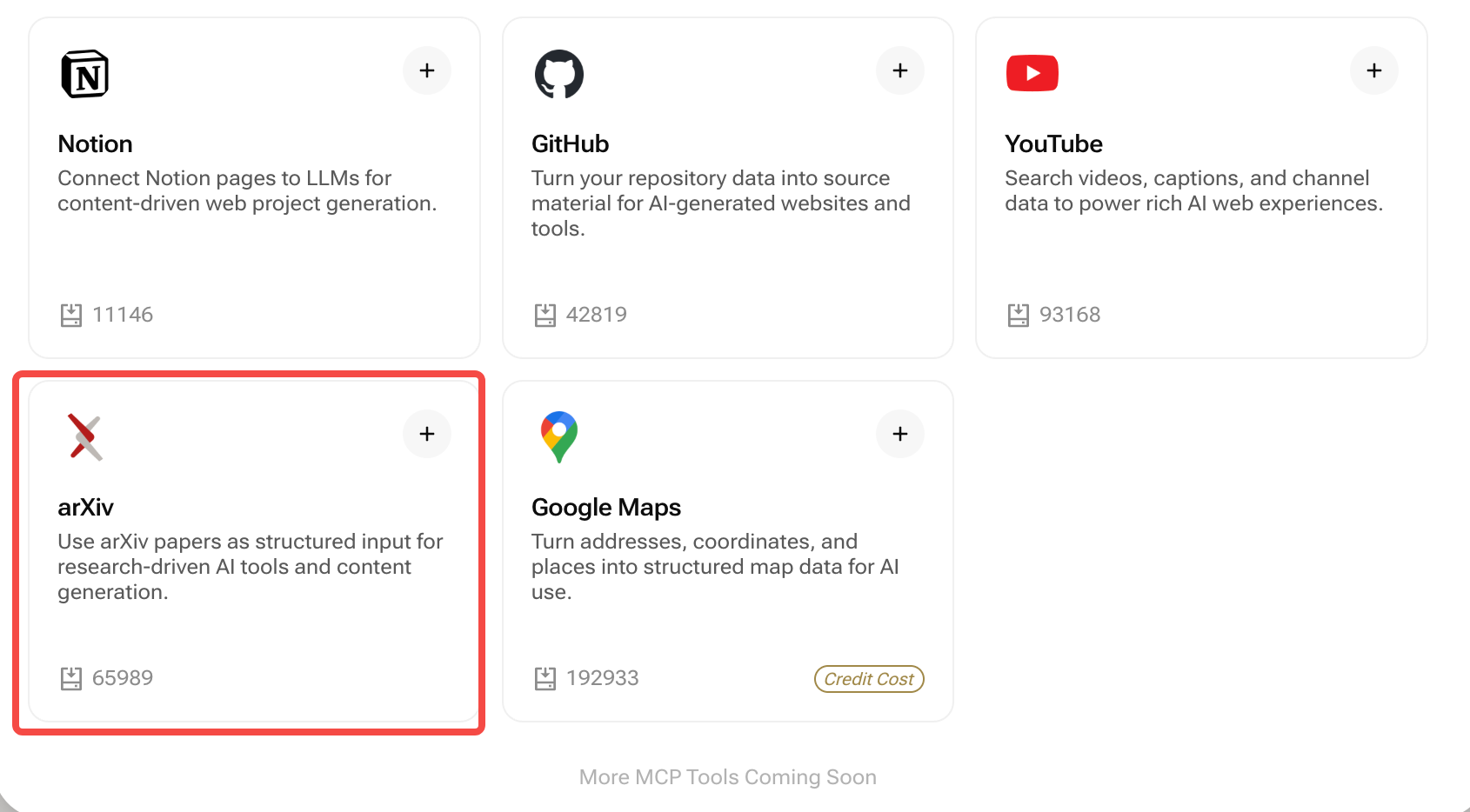 **Bring cutting-edge research into YouWare without manual data wrangling.** Toggle on the arXiv connection and the builder can reference live paper metadata, abstracts, authors, citations, and PDF links—no scraping or API keys required.
## Quick Summary
* **Purpose:** Generate research hubs, analysis dashboards, and content pipelines powered by real arXiv papers
* **Pulls:** Titles, abstracts, categories, author lists, publication dates, citations, PDF links, and code repositories (when available)
* **Best for:** Research teams, technical bloggers, investor memos, education portals, conference landing pages
***
## What is the arXiv Connection?
Mention any topic, category, author, or arXiv ID in your prompt—YouWare fetches the relevant papers and builds experiences around them. Summaries, comparison tables, citation callouts, and call-to-actions all use verified metadata direct from arXiv.
Surface the most cited or most recent papers with executive summaries and key metrics
Visualize category heatmaps, publication momentum, and collaboration networks
Feed newsletters, blog posts, or prompt libraries with AI-generated summaries and action items
***
## How It Works
Open **Connections → arXiv** in your workspace and toggle it on. No credentials or rate-limit configuration required.
In your prompt, specify topics, arXiv categories, authors, or timeframes. Example:\
*“Create a briefing on diffusion models published on arXiv in the last six months, highlighting breakthroughs and practical implications.”*
YouWare assembles paper cards, abstract highlights, comparison tables, and CTA buttons linking to full PDFs or code repos.
When you need newer publications, re-run your prompt to fetch the latest data. Background auto-updates are not available yet.
***
## Prompt Example
```text theme={null}
"Generate a research dashboard summarizing the top five arXiv papers on multimodal LLMs,
including abstracts, author lists, publication dates, citations, key takeaways,
and links to PDFs and GitHub repositories."
```
***
## Example: AI Safety Research Briefing
Run a prompt such as the one above and YouWare will:
1. Query arXiv for papers matching your topic and timeframe.
2. Extract abstracts, methodologies, links, and author affiliations.
3. Produce analyst-ready summaries, comparison tables, and recommended follow-up reading.
4. Add shareable widgets—email signup, download bundles, or “Discuss with the team” CTAs.
Perfect for CTO updates, investor memos, academic newsletters, or student research portals.
***
## Best Practices
* **Narrow the scope:** Include category tags (e.g., `cs.CL`, `cs.AI`) or keywords to keep results focused
* **Blend qualitative + quantitative:** Ask for metrics (citations, publication date) alongside commentary (“Why it matters”)
* **Call out actionable insights:** Request “Key takeaways”, “Implementation checklist”, or “Questions for stakeholders” sections
* **Pair with Backend:** Store curated reading lists, reviewer notes, or approval workflows using YouWare Backend
* **Automate newsletters manually:** Re-run the prompt on your preferred cadence to keep subscribers updated with the latest research
***
## Real-World Use Cases
Deliver weekly research digests highlighting risks, opportunities, and strategic recommendations.
Convert raw papers into digestible posts with summaries, quotes, and discussion prompts.
Build curated reading lists, study guides, and quiz generators around the latest papers.
Track innovations across sectors, compare competing approaches, and annotate strategic signals.
***
## Frequently Asked Questions
No. Enabling the connection inside YouWare automatically unlocks access to arXiv metadata—no additional setup required.
Include category codes (e.g., `cs.LG`, `math.PR`) or phrases like “published after January 2024” directly in your prompt.
Yes. Download links, DOI references, and GitHub repos are included automatically when available on arXiv.
Absolutely. Combine the arXiv connection with YouWare Backend, Notion, or Supabase to overlay proprietary notes, roadmap items, or team assignments.
New papers are pulled only when you regenerate the page. Automatic background updates or scheduling are not supported yet.
***
**Prompt starter:**\
`“Create a weekly newsletter section on reinforcement learning breakthroughs from arXiv, summarizing the top five papers with key insights, author affiliations, PDF links, and suggested business applications.”`
**Bring cutting-edge research into YouWare without manual data wrangling.** Toggle on the arXiv connection and the builder can reference live paper metadata, abstracts, authors, citations, and PDF links—no scraping or API keys required.
## Quick Summary
* **Purpose:** Generate research hubs, analysis dashboards, and content pipelines powered by real arXiv papers
* **Pulls:** Titles, abstracts, categories, author lists, publication dates, citations, PDF links, and code repositories (when available)
* **Best for:** Research teams, technical bloggers, investor memos, education portals, conference landing pages
***
## What is the arXiv Connection?
Mention any topic, category, author, or arXiv ID in your prompt—YouWare fetches the relevant papers and builds experiences around them. Summaries, comparison tables, citation callouts, and call-to-actions all use verified metadata direct from arXiv.
Surface the most cited or most recent papers with executive summaries and key metrics
Visualize category heatmaps, publication momentum, and collaboration networks
Feed newsletters, blog posts, or prompt libraries with AI-generated summaries and action items
***
## How It Works
Open **Connections → arXiv** in your workspace and toggle it on. No credentials or rate-limit configuration required.
In your prompt, specify topics, arXiv categories, authors, or timeframes. Example:\
*“Create a briefing on diffusion models published on arXiv in the last six months, highlighting breakthroughs and practical implications.”*
YouWare assembles paper cards, abstract highlights, comparison tables, and CTA buttons linking to full PDFs or code repos.
When you need newer publications, re-run your prompt to fetch the latest data. Background auto-updates are not available yet.
***
## Prompt Example
```text theme={null}
"Generate a research dashboard summarizing the top five arXiv papers on multimodal LLMs,
including abstracts, author lists, publication dates, citations, key takeaways,
and links to PDFs and GitHub repositories."
```
***
## Example: AI Safety Research Briefing
Run a prompt such as the one above and YouWare will:
1. Query arXiv for papers matching your topic and timeframe.
2. Extract abstracts, methodologies, links, and author affiliations.
3. Produce analyst-ready summaries, comparison tables, and recommended follow-up reading.
4. Add shareable widgets—email signup, download bundles, or “Discuss with the team” CTAs.
Perfect for CTO updates, investor memos, academic newsletters, or student research portals.
***
## Best Practices
* **Narrow the scope:** Include category tags (e.g., `cs.CL`, `cs.AI`) or keywords to keep results focused
* **Blend qualitative + quantitative:** Ask for metrics (citations, publication date) alongside commentary (“Why it matters”)
* **Call out actionable insights:** Request “Key takeaways”, “Implementation checklist”, or “Questions for stakeholders” sections
* **Pair with Backend:** Store curated reading lists, reviewer notes, or approval workflows using YouWare Backend
* **Automate newsletters manually:** Re-run the prompt on your preferred cadence to keep subscribers updated with the latest research
***
## Real-World Use Cases
Deliver weekly research digests highlighting risks, opportunities, and strategic recommendations.
Convert raw papers into digestible posts with summaries, quotes, and discussion prompts.
Build curated reading lists, study guides, and quiz generators around the latest papers.
Track innovations across sectors, compare competing approaches, and annotate strategic signals.
***
## Frequently Asked Questions
No. Enabling the connection inside YouWare automatically unlocks access to arXiv metadata—no additional setup required.
Include category codes (e.g., `cs.LG`, `math.PR`) or phrases like “published after January 2024” directly in your prompt.
Yes. Download links, DOI references, and GitHub repos are included automatically when available on arXiv.
Absolutely. Combine the arXiv connection with YouWare Backend, Notion, or Supabase to overlay proprietary notes, roadmap items, or team assignments.
New papers are pulled only when you regenerate the page. Automatic background updates or scheduling are not supported yet.
***
**Prompt starter:**\
`“Create a weekly newsletter section on reinforcement learning breakthroughs from arXiv, summarizing the top five papers with key insights, author affiliations, PDF links, and suggested business applications.”`